
Air1 Frequently Asked Questions (FAQ)
Frequently asked questions and answers regarding the Air1. You can narrow down the question you are looking for using the search box at the top of the page. If the issue is not resolved, please contact us.
List of Questions (2)
- A specific group display disappears and the flash does not fire
- MG8 or MG10 paired with Air1 does not fire
Q. A specific group display disappears and the flash does not fire
Applicable model: Air1
A. The Air1 has a "Flash Off Mode" that allows you to temporarily disable the flash for each group (A/B/C). Since the power button is used for this operation, you may have accidentally set it to flash off while trying to turn off the power. Please refer to the following to check your settings.
【How to set/cancel Flash Off mode】
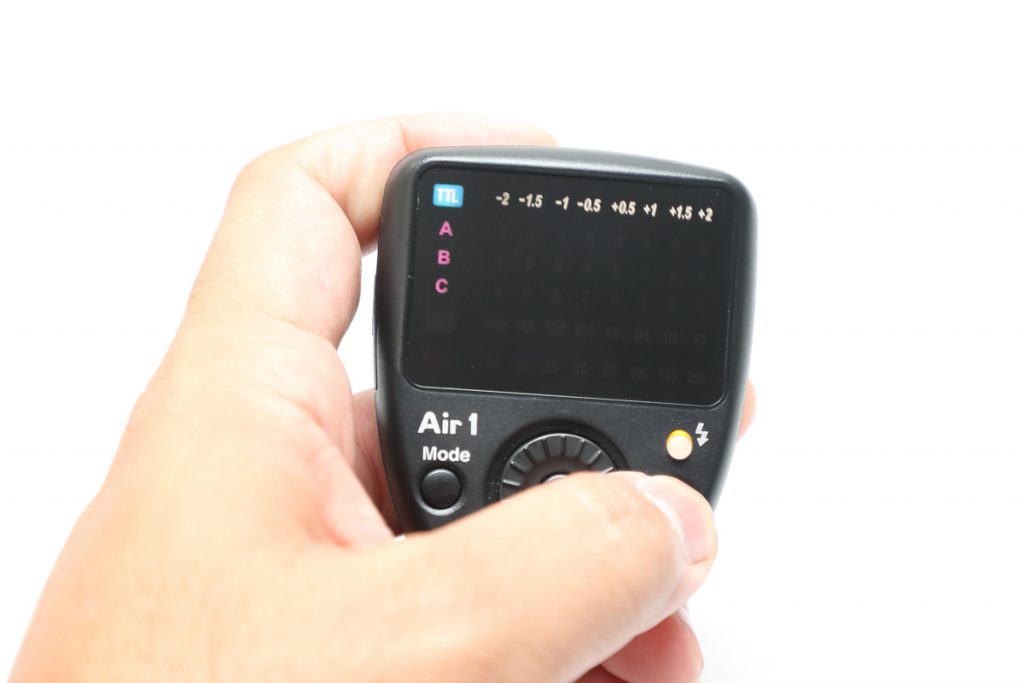
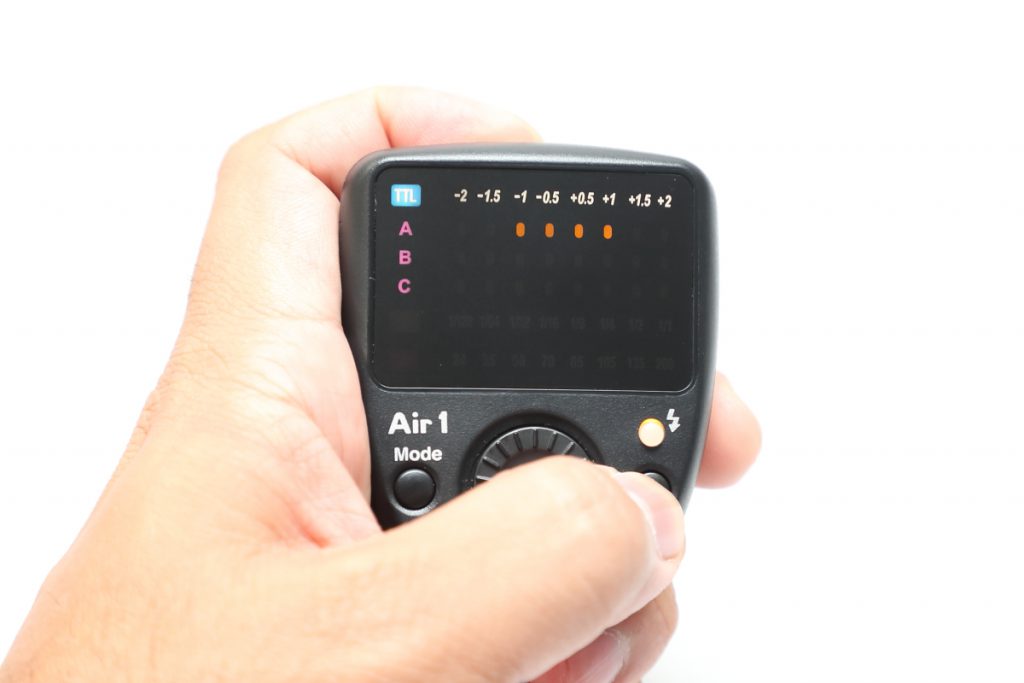
Select the group you want to disable using the S button in the center of the Air1 dial. (In the photo, group A is blinking.)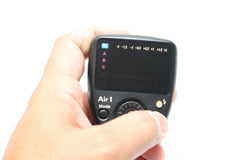 With the group selected, briefly press the power button; the orange LED of the selected group will light up briefly (moving toward the center) to enter Flash Off mode.
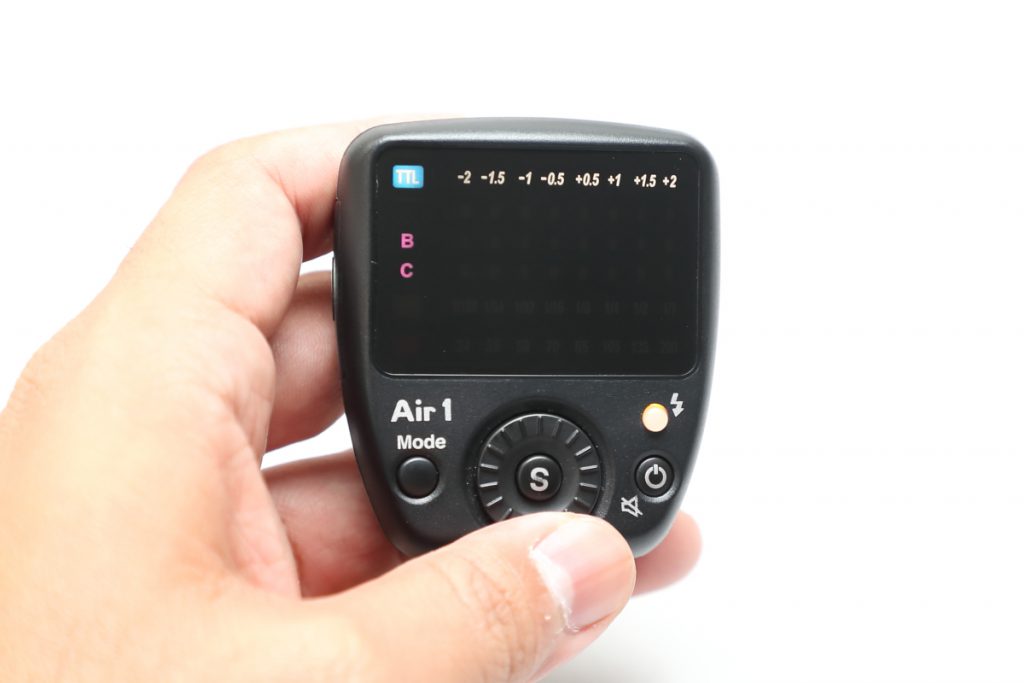
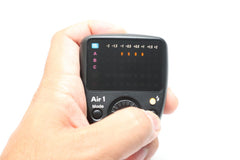 The group set to Flash Off mode will have its group name display turned off. In the photo, group A is in the flash off state.
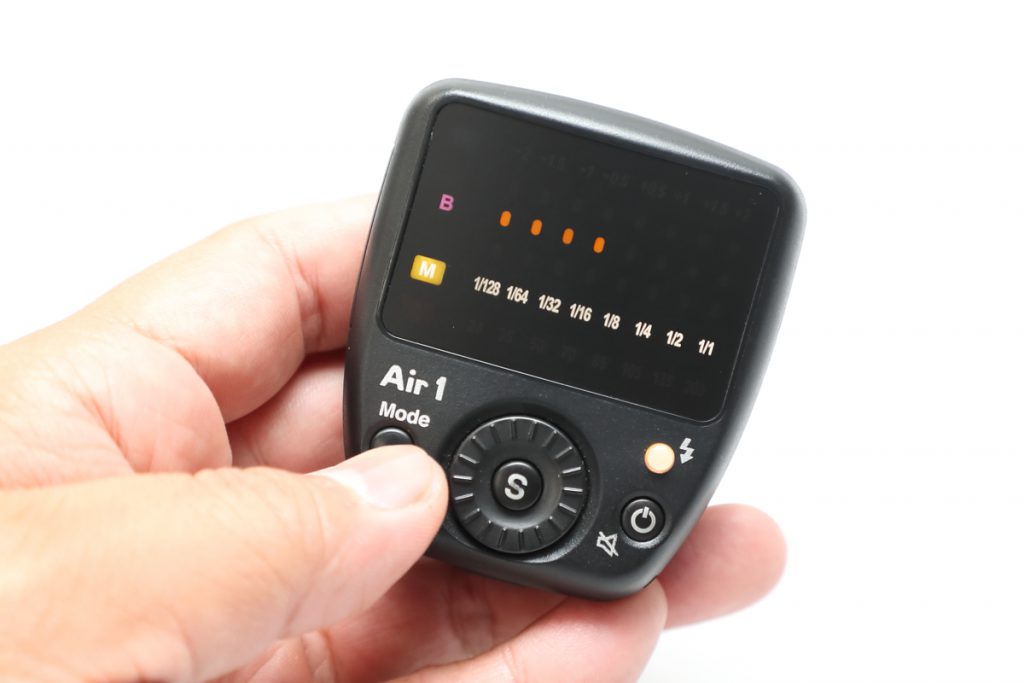
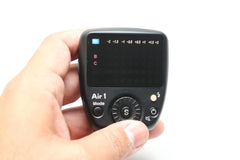 To restore, select the group for which you want to cancel the Flash Off mode using the S button in the center of the dial (so it is blinking), then briefly press the power button. The orange LED will light up in a motion spreading from the center, and the flash will become active again.
Alternatively, you can perform an all-reset by holding down the Mode button. This will also cancel the Flash Off state, but all flash intensity and zoom settings will be returned to their initial states.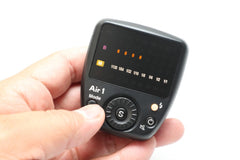 Please note that the power is turned off by "long-pressing the power button," which is a common point of confusion. Also, the blinking display of a selected group will automatically stop after 30 seconds. There is no way to stop it manually, but switching the Mode will stop the blinking display while the group is selected.
【How to set/cancel Flash Off mode】
Select the group you want to disable using the S button in the center of the Air1 dial. (In the photo, group A is blinking.)
 With the group selected, briefly press the power button; the orange LED of the selected group will light up briefly (moving toward the center) to enter Flash Off mode.
 The group set to Flash Off mode will have its group name display turned off. In the photo, group A is in the flash off state.
 To restore, select the group for which you want to cancel the Flash Off mode using the S button in the center of the dial (so it is blinking), then briefly press the power button. The orange LED will light up in a motion spreading from the center, and the flash will become active again.
Alternatively, you can perform an all-reset by holding down the Mode button. This will also cancel the Flash Off state, but all flash intensity and zoom settings will be returned to their initial states.
 Please note that the power is turned off by "long-pressing the power button," which is a common point of confusion. Also, the blinking display of a selected group will automatically stop after 30 seconds. There is no way to stop it manually, but switching the Mode will stop the blinking display while the group is selected.
Q. MG8 or MG10 paired with Air1 does not fire
A. Since the MG8 and MG10 adopt the NAS system, they can be used by pairing with the Air1, which uses the same system. However, due to differences in functionality between the two units, they may not fire depending on the settings.
If the devices are paired but do not fire, please check the following items:
If the devices are paired but do not fire, please check the following items:
-
Group Setting While the MG8 and MG10 support a total of 8 groups (A–D and A•–D•), the Air1 only supports 3 groups (A–C).
Please set the group setting dial on the flash side to any of A through C. -
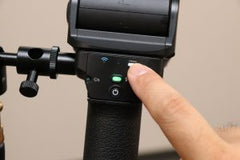
OPEN Mode The Air1 does not support OPEN mode. If the OPEN mode button on the flash is lit, please press that button to cancel OPEN mode.
-
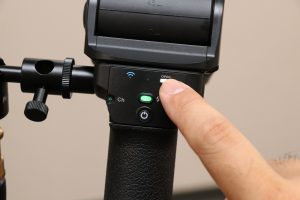
Channel Setting While both can use a total of 8 channels (1CH–8CH), the specifications for 1CH have changed on the MG8 and MG10, so it is not compatible with the 1CH on the Air1.
Please use channels 2CH through 7CH for the Air1.
How to change the channel
Press and hold the "Set button (S)" for 3 seconds.
The display will switch to the channel setting screen.
Among the 8 lamps, the one blinking represents the currently set channel (the far left is 1CH, and the far right is 8CH). (The photo shows 1CH.)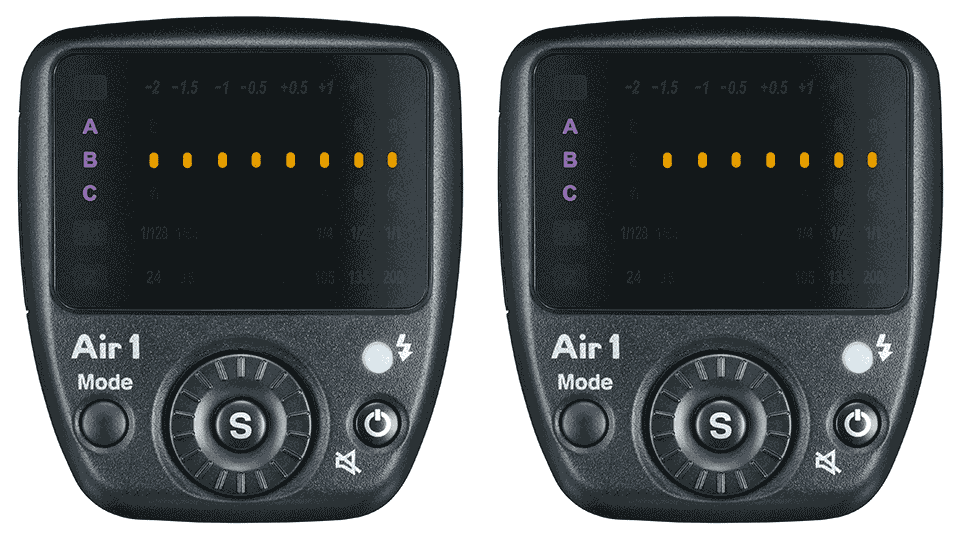 Turn the select dial to choose one from the 8 channels. (The photo shows 2CH.)
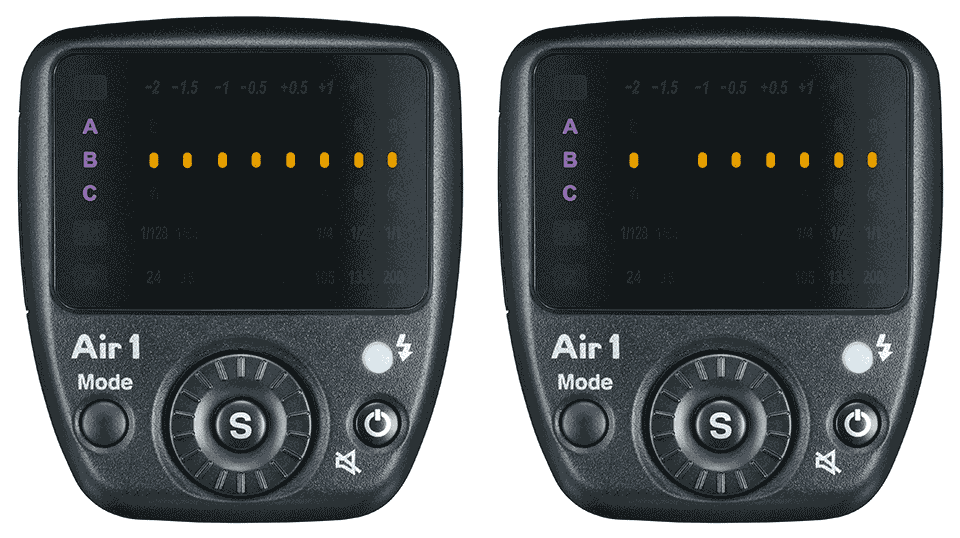 When you press the "Set button (S)," only the selected channel will light up, returning to the original mode and completing the setup.